How much is a donut on TikTok LIVE? 30 coins, the same as the smallest recharge TikTok sells. TikTok spells the gift Doughnut, so that’s the name you’ll see in the gift panel. A single one barely registers, so we’ll start with the math that matters for a gift this small: how many Doughnuts it takes to match a bigger one.
How many Doughnuts make a Galaxy?
Each Doughnut is a tidy block of 30 coins, which is what 30 Roses cost. Line up enough of them and you reach the price of bigger gifts like the Money Gun or the Galaxy.
| Doughnuts | Coins | What that matches |
|---|---|---|
| 1 | 30 | the same as 30 Roses |
| 17 | 510 | a bit more than a Money Gun (500) |
| 34 | 1,020 | a bit more than a Galaxy (1,000) |
| 100 | 3,000 | exactly three Galaxies |
On your side, those 34 Doughnuts turn into about 510 Diamonds, roughly $2.55 before payout fees, and 100 of them bring in 1,500 Diamonds, around $7.50. Tiny per tap, and still worth knowing once you plan to make money on TikTok LIVE.
Price per Doughnut, for viewers and for you
And how much is a Doughnut on TikTok once it reaches you? Those 15 Diamonds come to a little under a dime before payout fees, while your viewer spent about a third of a dollar on the coins. Where does the gap go? TikTok keeps the difference.
Sprinkles included: the TikTok donut gift
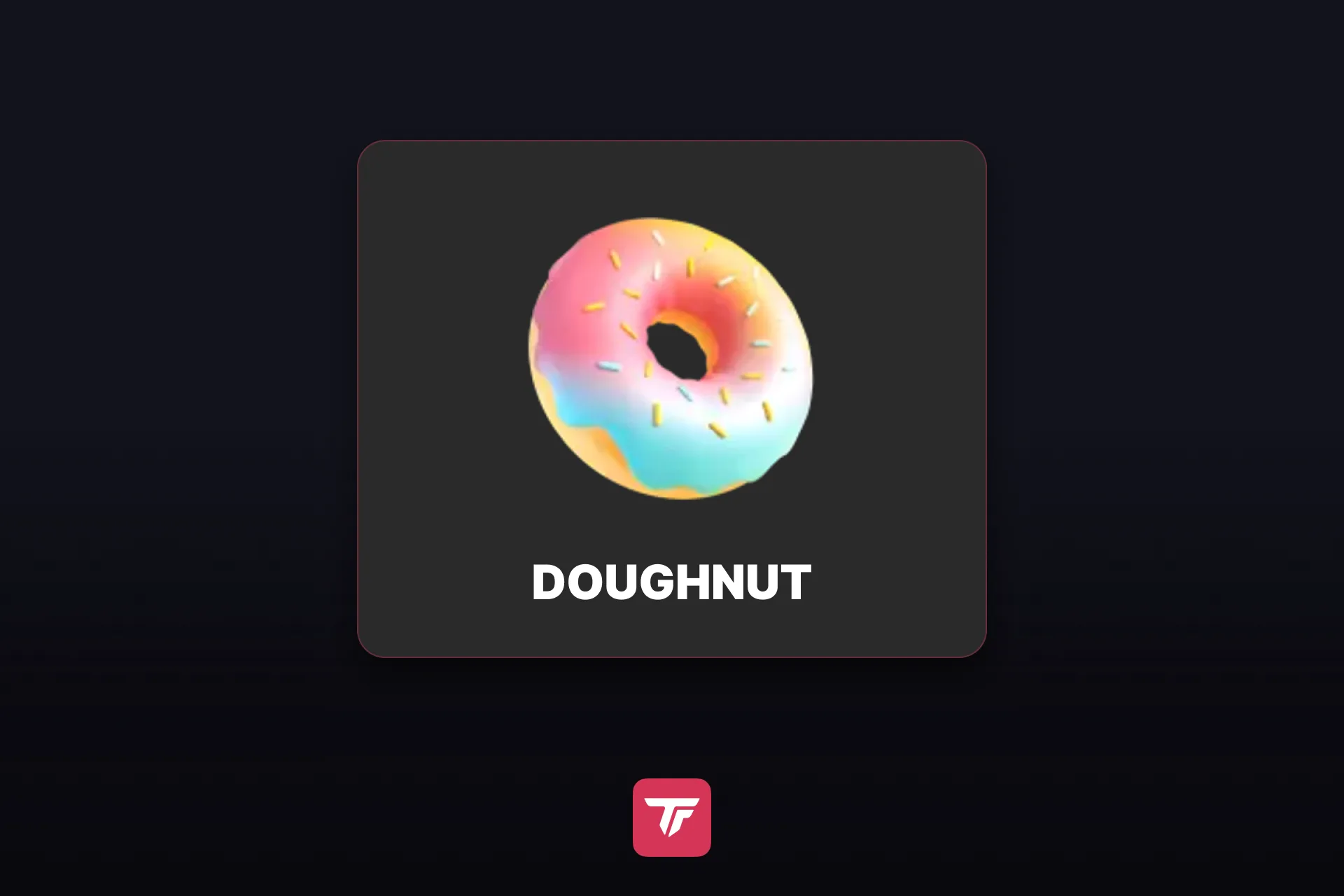
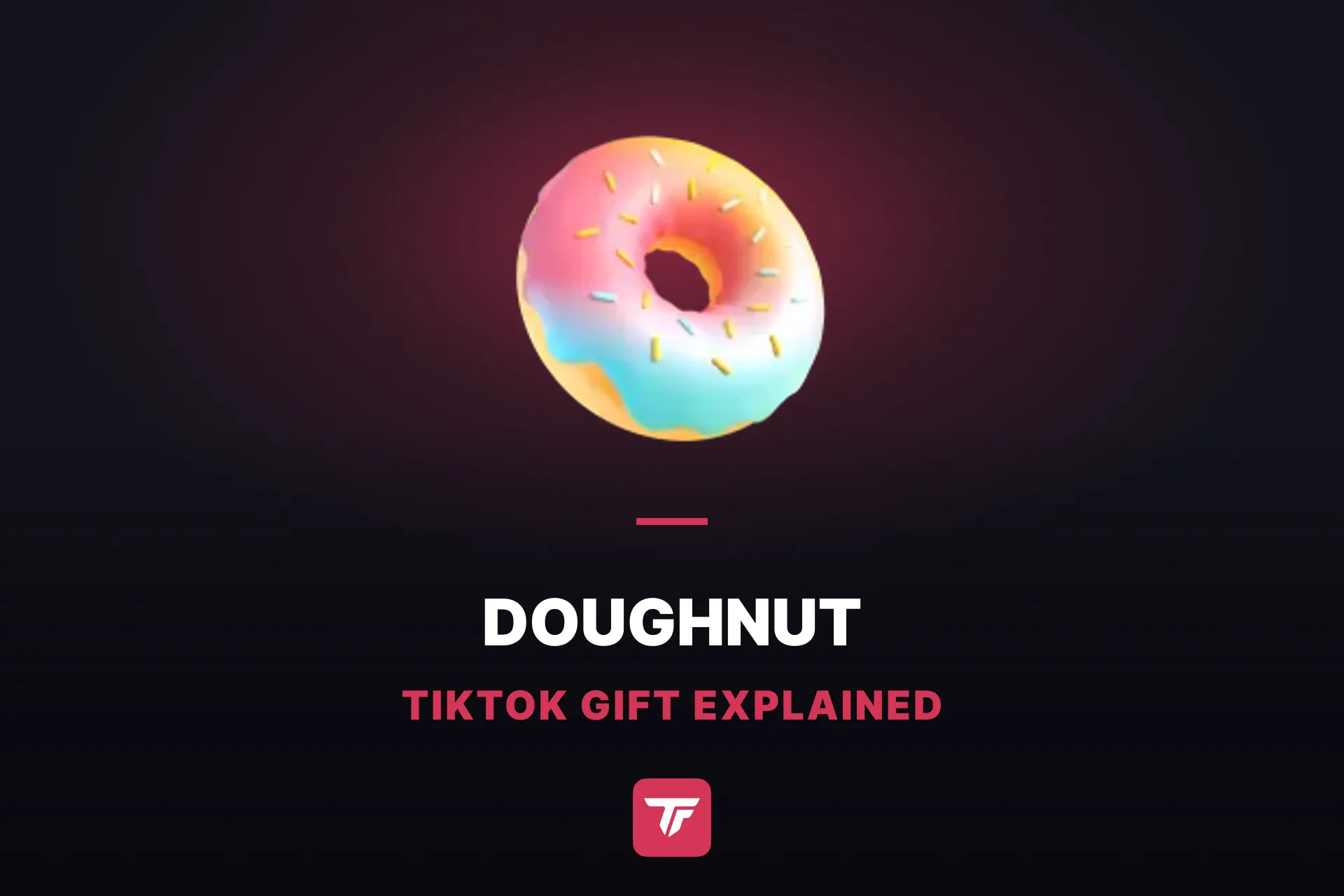
Enough math for now. On the icon, a ring doughnut sits under a glossy pastel glaze that fades from pink through white to mint, with colorful sprinkles on top and a strip of golden dough peeking out underneath.
Your viewers see that same pastel ring wherever they’re watching: the Doughnut showed up in all 95 regions we checked, the only 30-coin gift that did. None of the others at that price reached more than 62.
Stack your Doughnuts on screen
Doughnuts make their point in numbers, so let your viewers see every one of them land. On its own, one is a small, sweet nod that a busy chat buries within seconds. TikFinity’s Gift Feed lists each gift with the sender’s name and the icon, and because TikTok lets viewers send the Doughnut as a combo, a whole streak shows up as one line with a counter instead of a big alert on every tap.
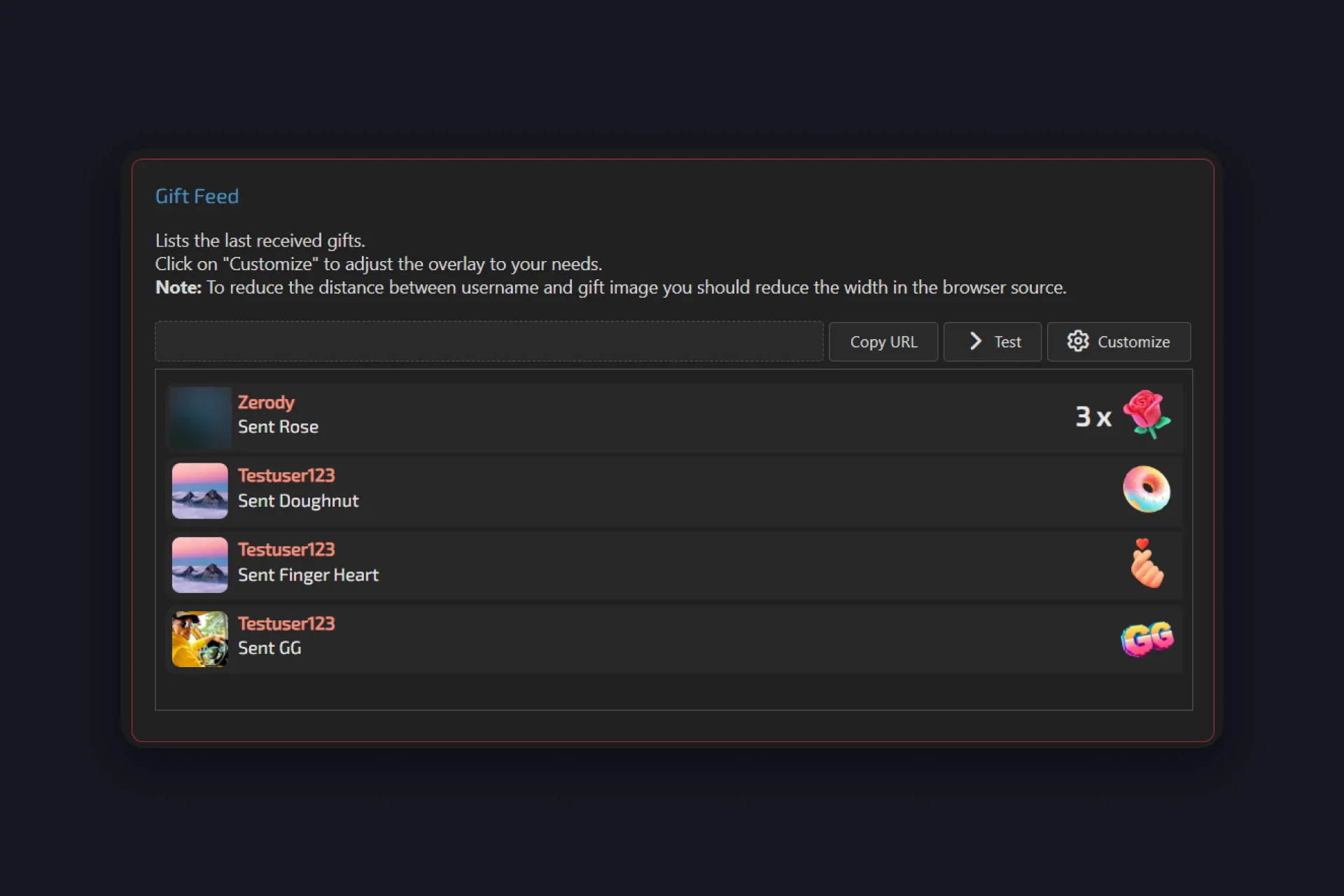
1 In TikFinity, open the Overlay Gallery and find the Gift Feed card, which is free. Its description says it all: it lists the last received gifts.
2 Copy the overlay URL and add it to OBS Studio or TikTok LIVE Studio as a browser source. Keep the source fairly narrow, so the names sit close to the gift icons.
3 Hit Test to watch a few sample gifts roll in, use Customize for colors and fonts, then place the feed where it doesn’t cover you or your chat.
Prefer one number instead of a list? The Gift Counter in Gift Overlays adds up every gift of the stream, and Top Streak (Pro) keeps the longest combo on screen.
Want to hear your Doughnuts, too? In Actions & Events, add an event, use “Sending a specific gift” for the trigger, and pick the Doughnut. A combo can fire that event again and again, so decide whether one streak plays it once or every time; for a 30-coin gift, once is usually plenty.
Going live from your phone? Open TikFinity Mobile, tap Add new Sound Alert, choose the Doughnut, and turn off Repeat on gift streaks, so a whole combo plays your sound just once.
Still curious about the Doughnut?
To the creator, about 7.5 cents: one Doughnut turns into roughly 15 Diamonds before payout fees. Your viewer pays 30 coins for it, and TikTok keeps the difference.
About $0.32 if the coins are bought on the web, as of September 28, 2026. Coins cost a little more inside the app, so the same Doughnut comes out slightly pricier there.
Yes. TikTok flags the Doughnut as a combo gift, so a viewer can tap it several times in a row and the taps count as one streak. In TikFinity’s Gift Feed, a streak like that shows up as a single line with the count in front of the icon.
Open the gift panel during a LIVE, pick the Doughnut, and tap Send. It takes 30 coins, which is also the smallest recharge TikTok sells, so one minimum top-up buys exactly one Doughnut.
If you like. Add an event for the Doughnut in Actions & Events and attach a sound or a GIF. For a small gift that can arrive in combos, the Gift Feed is usually the calmer choice, and if you do add an alert, stop combos from repeating it.