There’s a moment every streamer knows: the room is quiet, you’re talking into the void, and then the first heart floats up the edge of the screen. Someone out there is telling you: I like what you’re doing. Without typing a single word. Hearts are the smallest gesture on TikTok LIVE, and they still change how a stream feels in seconds. So how do you like a live on TikTok, and what are the hearts really worth?
Likes on a LIVE aren’t likes on a video
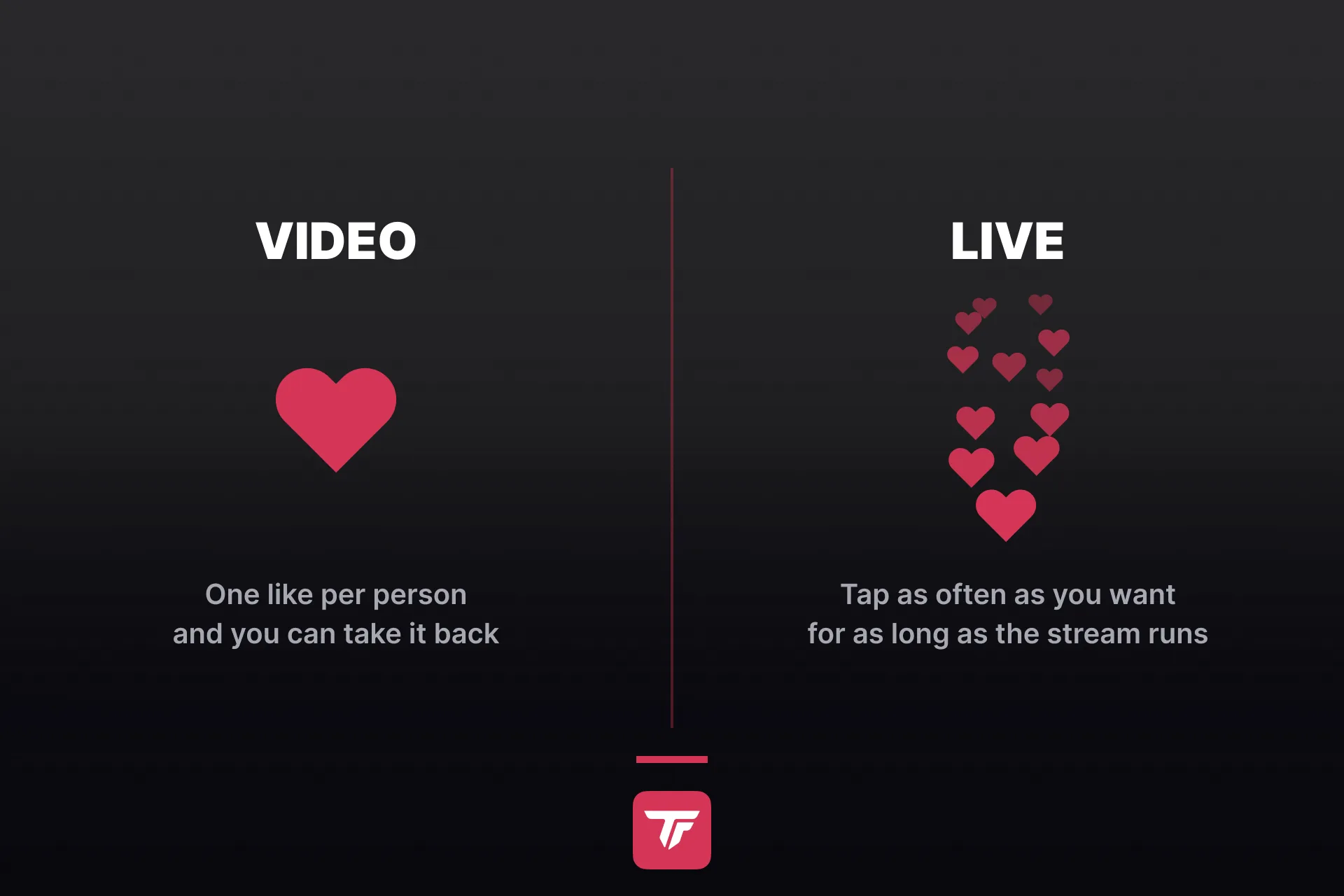
On a video, a like is one per person. You tap the heart, the count goes up by one, you tap again and it’s gone.
In a LIVE, the same button behaves like applause. Every tap sends a heart floating up the screen, the count keeps climbing, and nothing gets taken back when the stream ends. That’s why streamers say “tap the screen” instead of “please like”: they’re asking for a stream of taps, not one click.
How to send hearts in a TikTok LIVE
So how do you like a TikTok LIVE in practice? It depends on what you are watching on.
On your phone: double tap anywhere on the video. You don’t need to find a button, the whole screen works, and you can keep tapping for as long as you like.
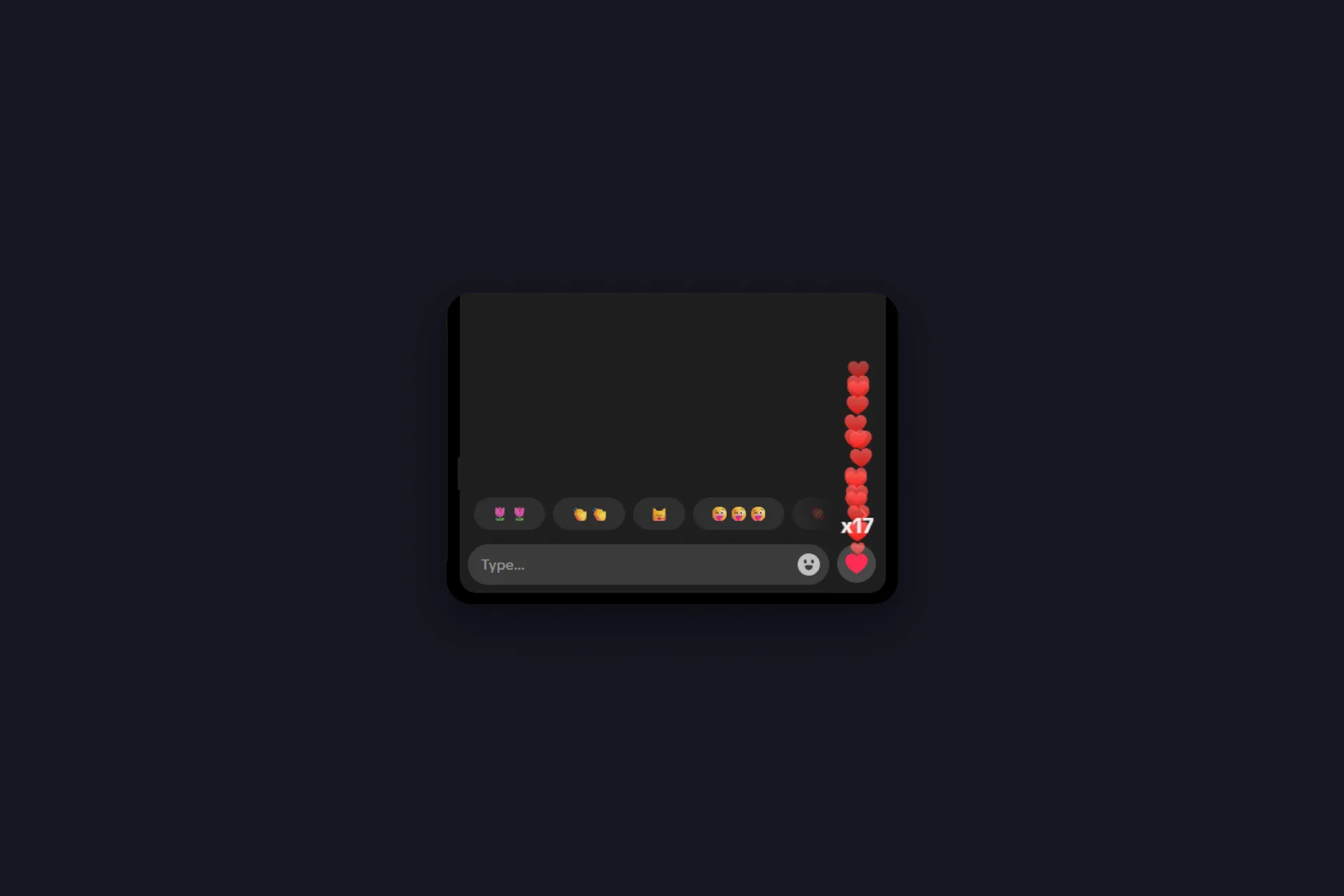
On a computer: click directly on the LIVE, or use the heart button at the bottom right of the player. Click it a few times in a row and a multiplier appears next to it, x17 and counting, with the hearts rising up the side of the stream.
That’s the entire mechanic. It takes one sentence to explain, which is why it’s worth saying out loud instead of assuming everyone knows.
What hearts are actually worth
This is where a lot of advice turns into wishful thinking, so here’s the line between what TikTok states and what streamers do with it.
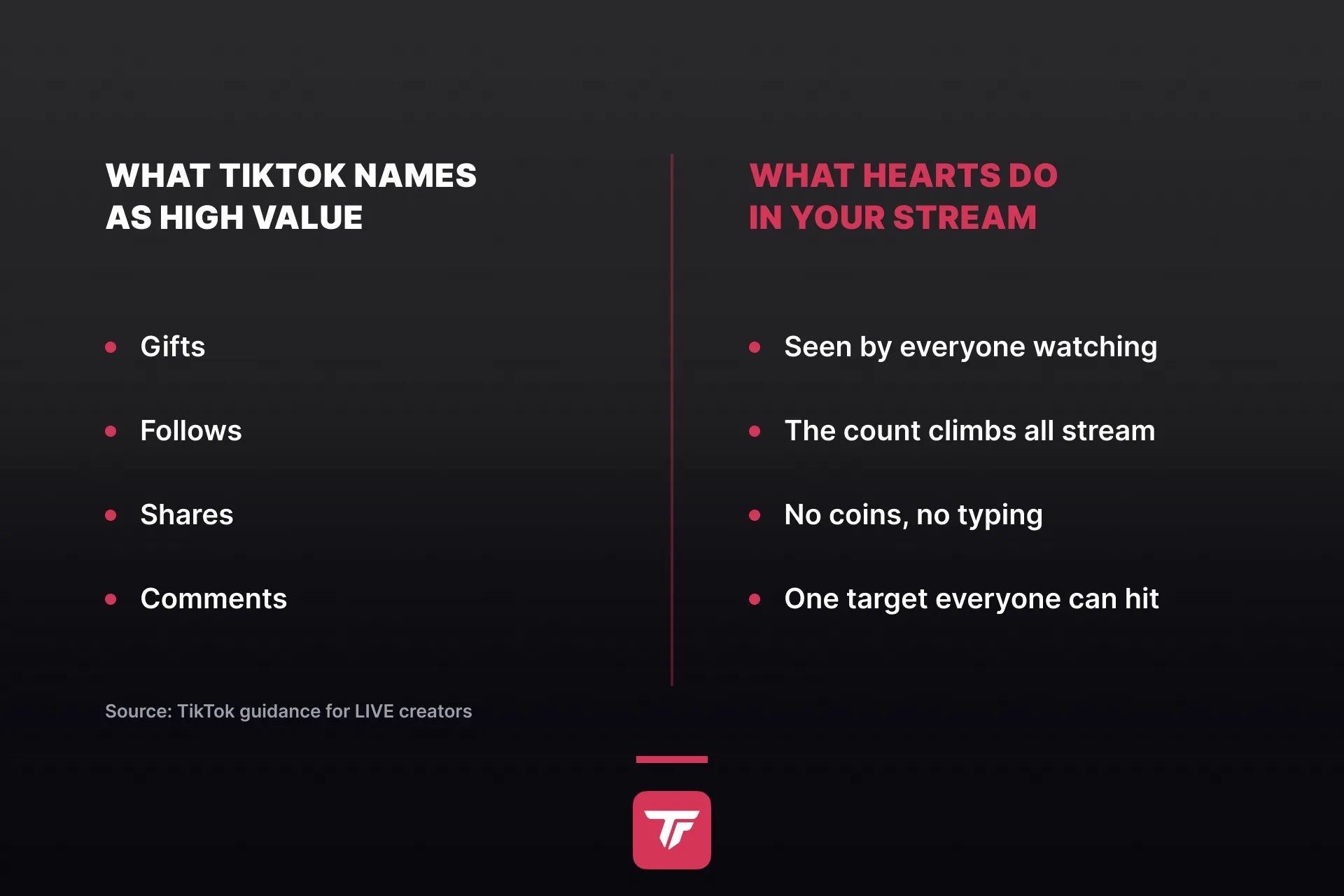
What TikTok says. Its guidance for LIVE creators names gifts, follows, shares and comments as the high-value viewer actions, and says engaging content can help a LIVE appear on the For You feed. Likes are not on that list, and TikTok publishes nothing about hearts affecting who sees your stream.
What you can see for yourself. Hearts are visible to everyone watching, the count keeps climbing all stream long, and on desktop a multiplier counts your clicks. It costs a viewer nothing, takes no coins and no typing in front of strangers, and it still says the thing you want to hear most: they like what they’re watching, and they want you to know it.
So use hearts for what they are: the easiest thing to ask for, and a shared target your viewers can push together. Then ask for the share and the comment too, because those are the ones TikTok itself calls valuable. The biggest one is gifts, and our TikTok diamonds guide shows what they actually pay.
Say it more than once, your viewers keep changing
TikTok is fast. People swipe in, watch for a moment, swipe on, and the people watching now are not the ones who were there ten minutes ago.
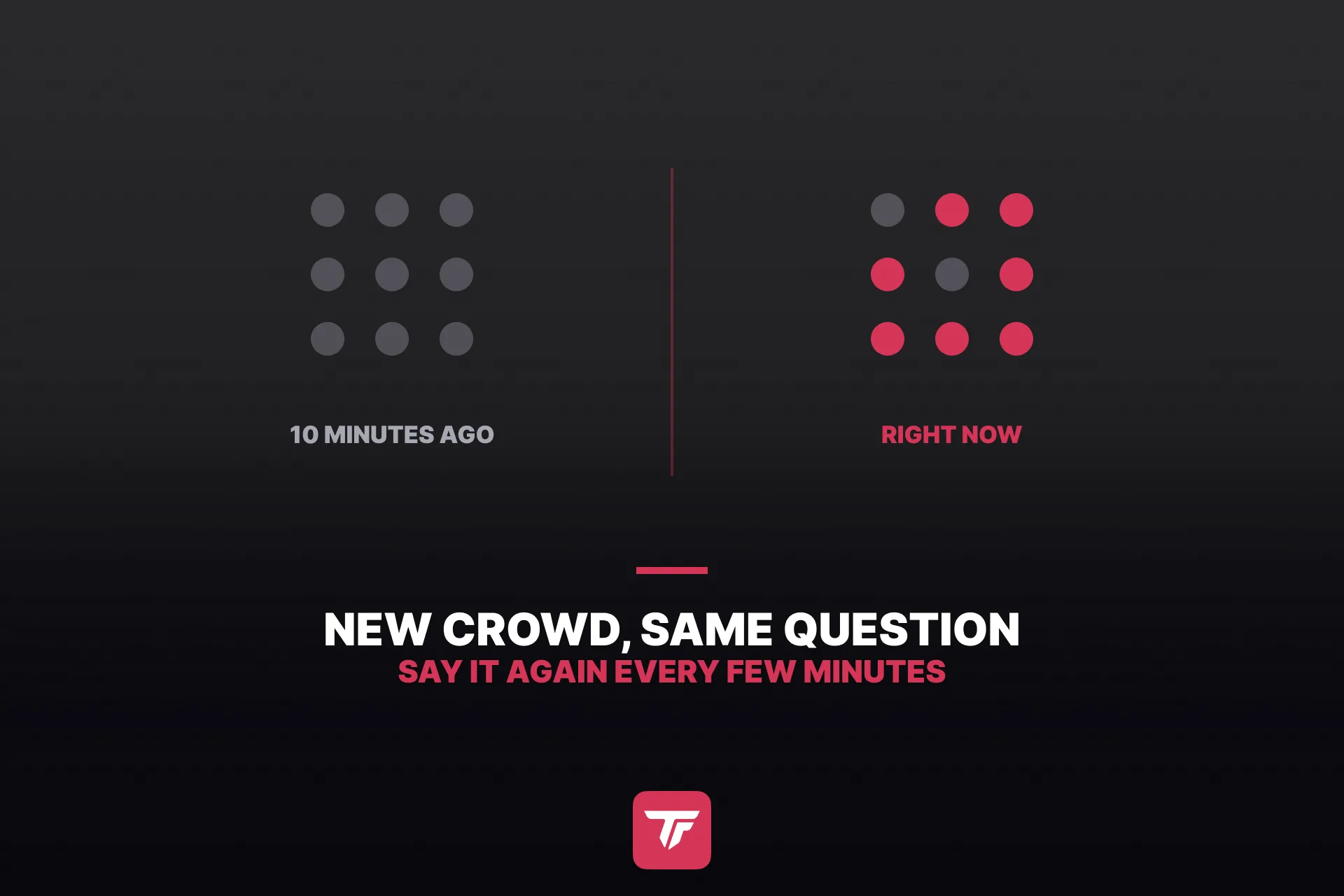
Which means the viewer who just arrived never heard your explanation. Repeat it every few minutes, keep it to one line, and tell them the how as well as the ask: “double tap anywhere on the screen, as often as you want”.
Pair it with a reason: “we’re at 8k hearts, get me to 10k and I’ll run the challenge”. A number people can see gives them something specific to tap toward.
Thank the first taps, then raise the stakes
The moment the hearts start rising, say so. “I see you @name, thank you” costs you two seconds and it tells everyone else that tapping gets noticed here.
Keep thanking as the count moves, not just at the end. Call out the round numbers as they pass, “that’s 5k, keep them coming”, and name the people you recognize. Your regulars will start tapping before you even ask.
Then tie the target to something you’ll actually do. A challenge works better than a thank you, because it gives your viewers a reason to keep going:
✅ Name the reward before the ask. “10k hearts and I’ll play the round blindfolded” beats “please like” because people know what they’re buying with their taps.
✅ Keep the first target small. Hit it early, deliver it immediately, then set a bigger one. Viewers who have seen you deliver once tap harder for the second goal.
✅ Count down out loud. At 80 percent tell them how far it is. That’s the point where quiet viewers join in, because the finish line is visible.
✅ Deliver, thank, reset. Do the thing you promised, thank people by name where you can, then put the next goal up. That loop is the whole format.
Let your viewers pick the challenge now and then. People tap harder for something they chose themselves, and it gives your regulars a way to shape the stream.
Put the count where everyone sees it
An ask lands differently when your viewers can watch the number move. That’s what overlays are for, and TikFinity gives you them for free.
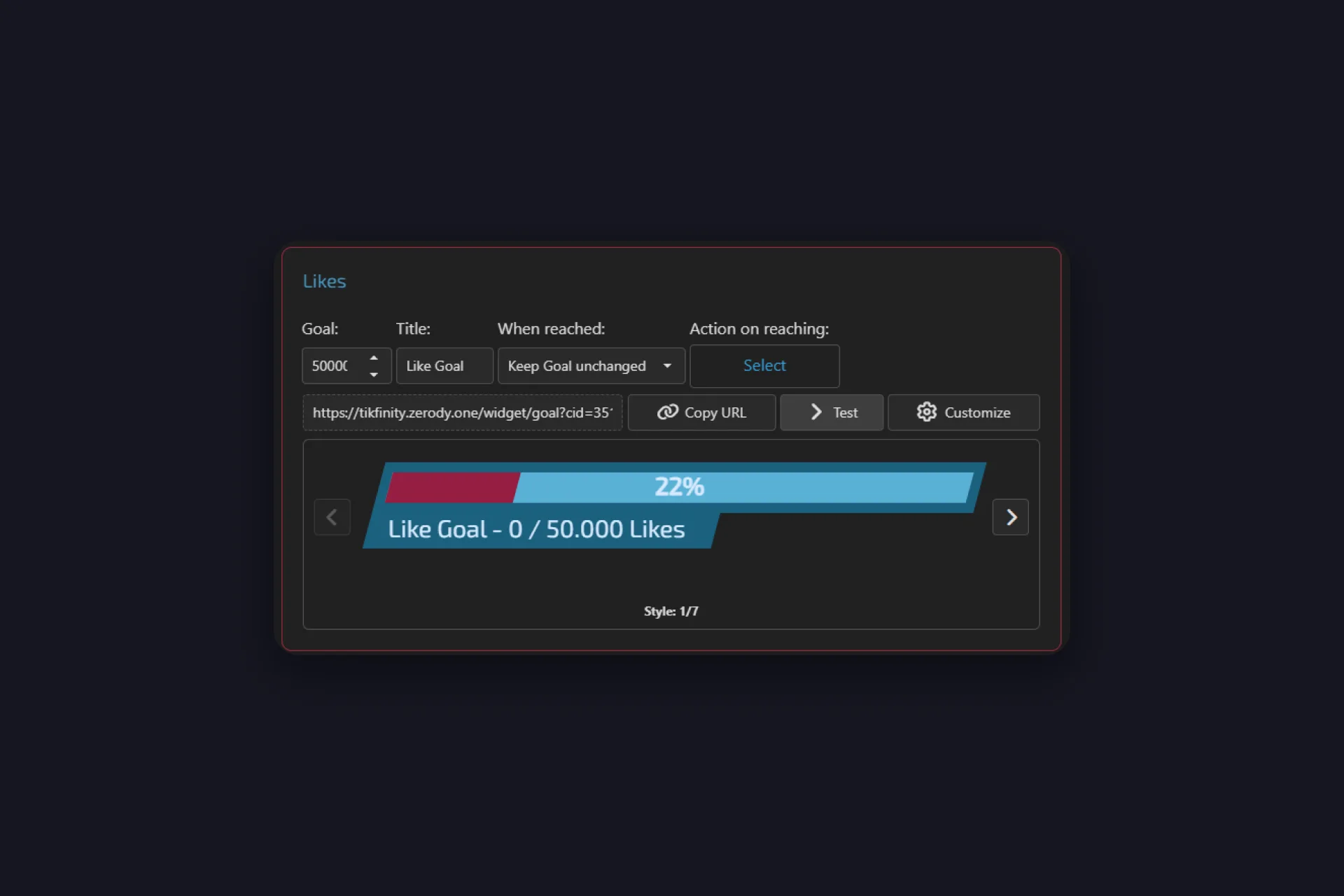
A like goal is the fastest one. On the goals page you set the target, say 50,000 likes, give it a title, and pick what happens when your viewers get there. The bar then shows the progress and the count on your stream, and you can flip through the styles until one fits your layout.
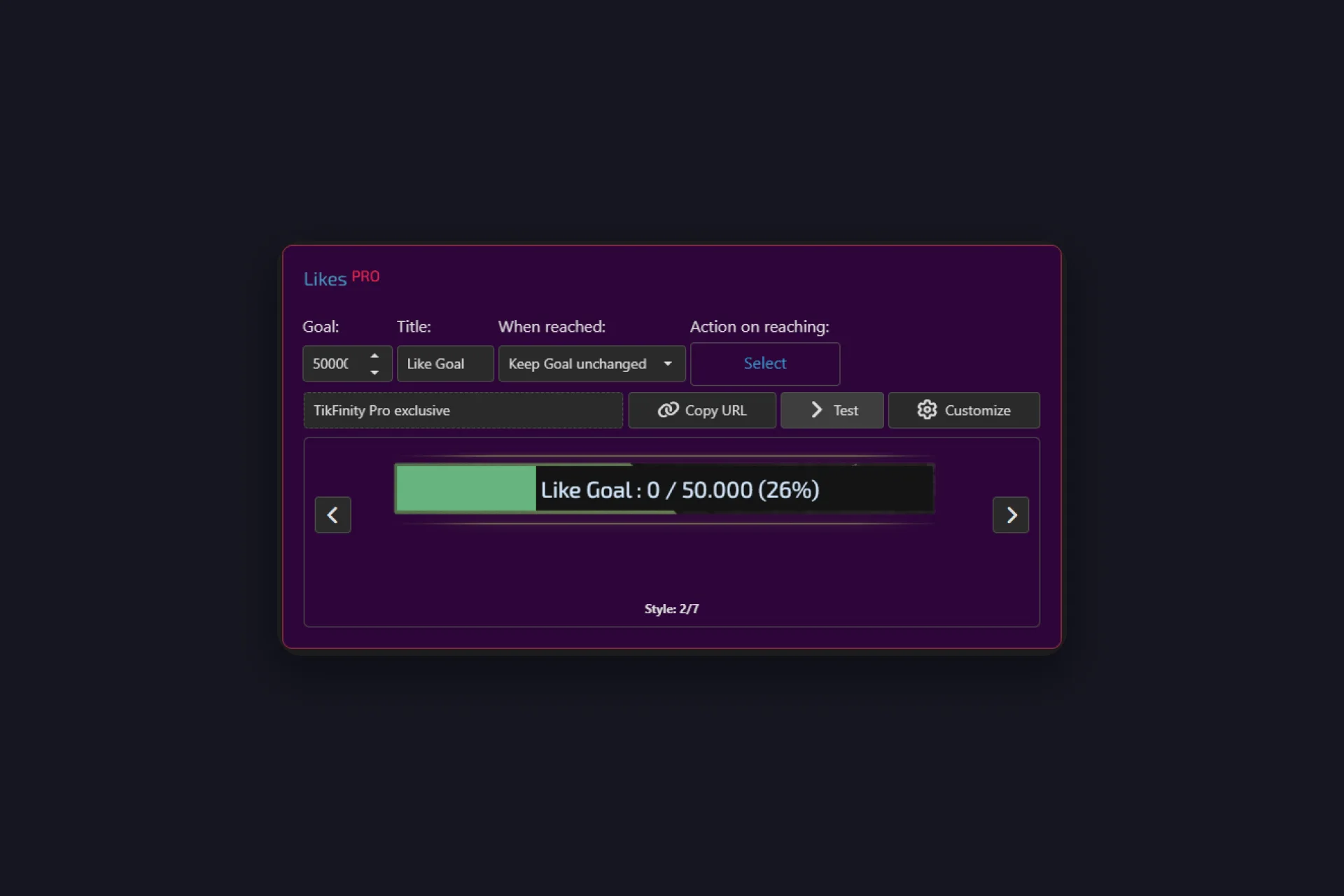
The free version covers the basics. TikFinity Pro adds premium styles, like the fully recolored bar below.
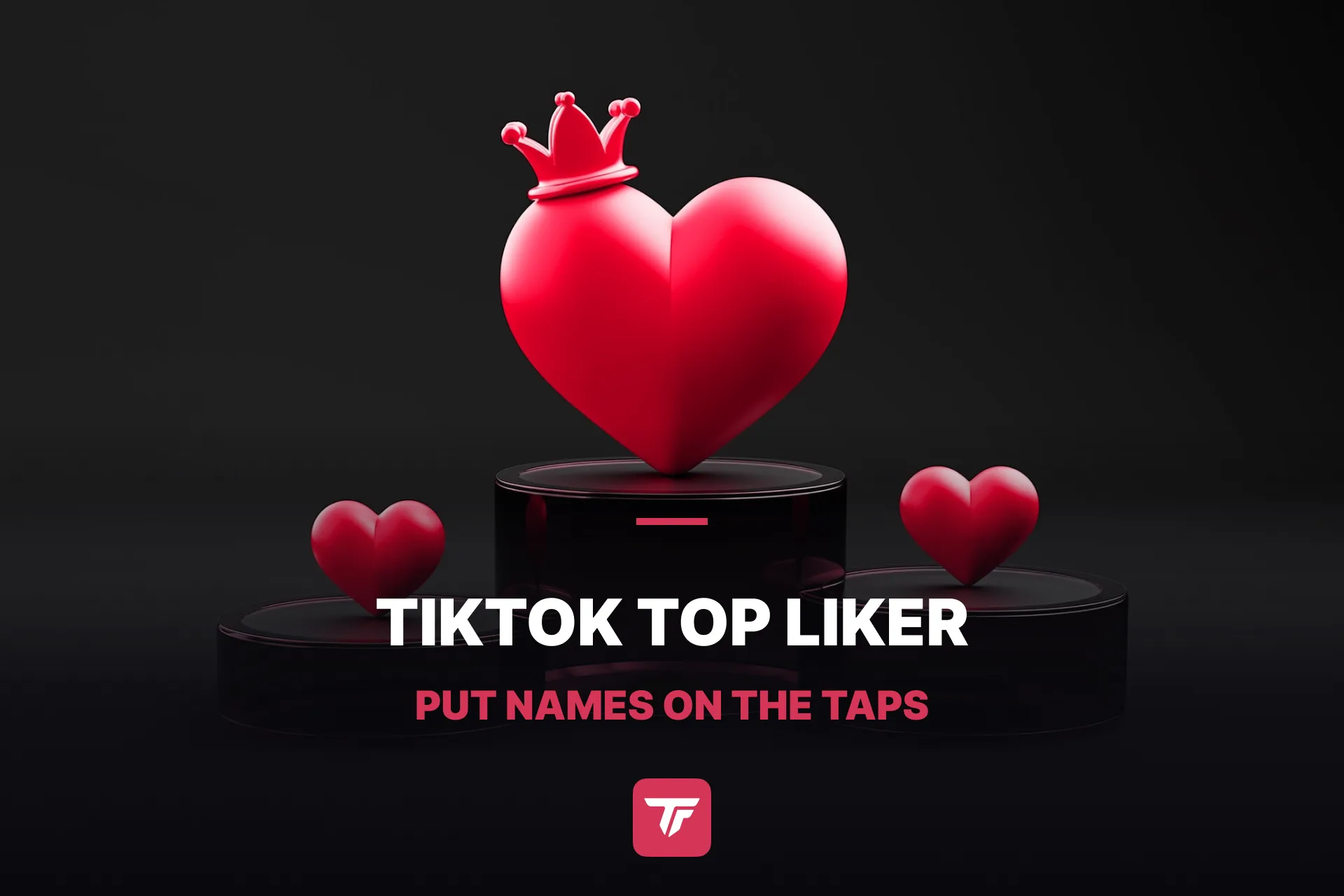
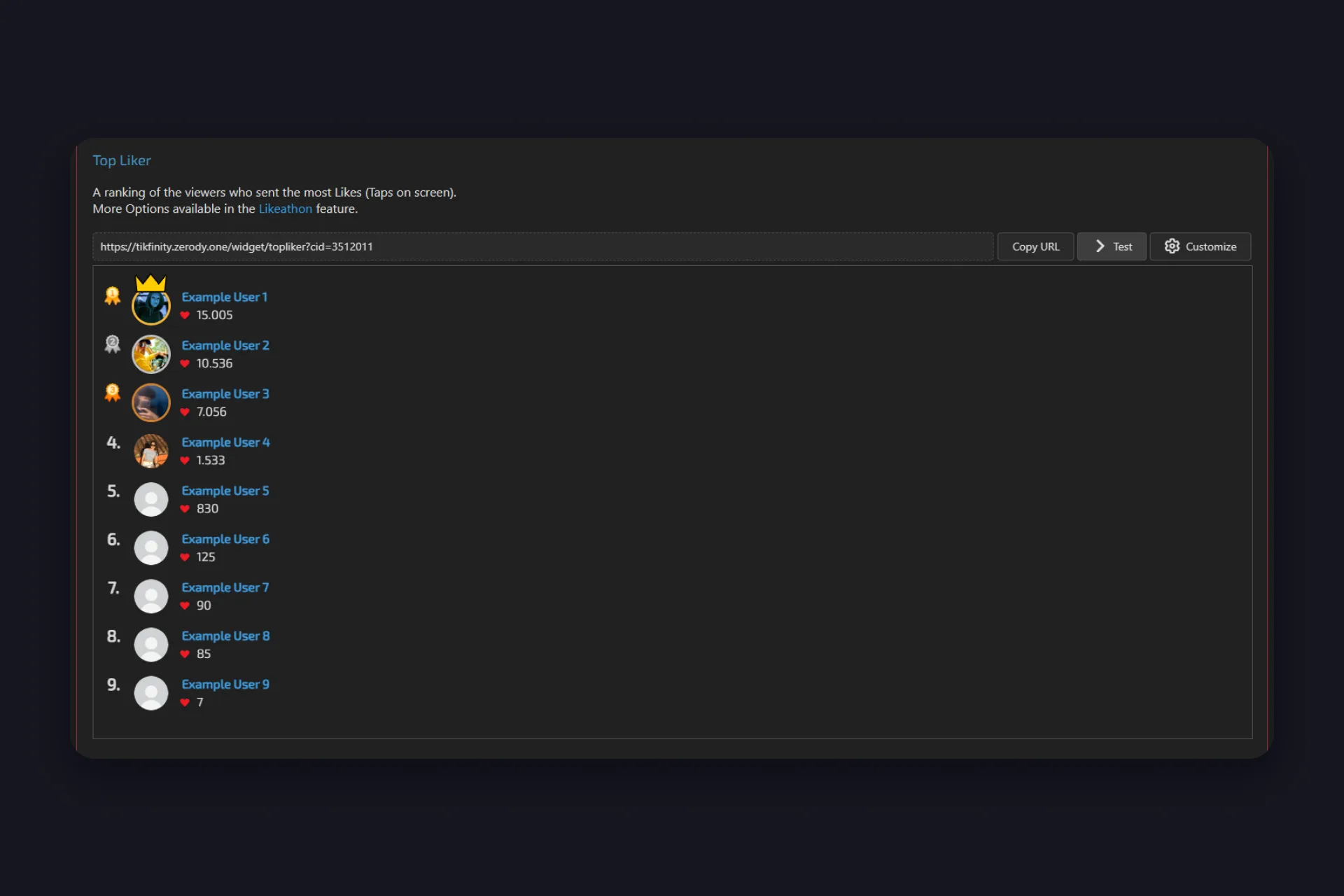
A top liker ranking puts names to the taps. It ranks the viewers who sent the most likes, medals for the top three, and it turns tapping into a friendly competition your regulars will notice. You find it among the widgets on the overlays page, and the likeathon feature adds more options on top. The full setup is in our top liker guide.
This one has TikTok’s own backing. Its widget guide for LIVE recommends a viewer ranking source, because publicly recognizing your top contributors and letting viewers compete in a friendly way lifts engagement. TikTok’s example is gifts, and the same logic works for the people carrying your heart count.
If you want something smaller, the last liker overlay just shows whoever tapped most recently. All of them go into your scene as a browser source, or as a link source in TikTok LIVE Studio, and they connect with your @username.
Is there a like limit on TikTok LIVE?
Not one that TikTok publishes. The numbers that circulate in creator videos are guesses, so we’re not going to repeat them as fact.
There is one official note, and it’s about videos rather than LIVEs: TikTok’s help center says that liking videos too quickly can trigger an alert, and asks you to wait 24 hours before trying again. Reasonable to assume the same spam protection exists around LIVE, but TikTok doesn’t spell it out.
That note is aimed at automated tapping. Auto-clickers and tap tools are the reason such limits exist, so tell your viewers to tap by hand and the topic is settled.
One sentence, then a target
If your chat is quiet, lead with the explanation instead of the ask: tell people they can double tap anywhere, as often as they want. Then give them a number to tap toward, thank them when it moves, and follow up with the ask that counts more, a share or a comment. And when that first heart floats up your screen, you’ll know someone out there is applauding. So go ahead: make the hearts rain.
Just getting started on TikTok LIVE? How to go live on TikTok covers the basics, and the LIVE requirements explain what you need before you can stream at all.
FAQs about likes on TikTok LIVE
On your phone, double tap anywhere on the video. On a computer, click the LIVE or use the heart button at the bottom right of the player. Every tap sends a heart that everyone watching can see.
TikTok doesn’t say so. Its guidance for LIVE creators names gifts, follows, shares and comments as the high-value actions, and likes aren’t on that list. Hearts are still the easiest interaction to ask for, and they give your viewers a shared target, so use them alongside the asks that TikTok does name.
TikTok publishes no limit for LIVE. Its help center only notes that liking videos too quickly can trigger an alert and a 24 hour wait. Hand tapping never runs into this, auto-clickers can.
TikTok shows you the count, not a list of names. A top liker ranking or a last liker overlay puts the most active tappers on your stream, which is as close as you get.
No, likes aren’t paid. Gifts are the part that turns into diamonds. Hearts lift the mood of your stream, and a stream that feels alive keeps the people who might send a gift later.
No. The liked videos tab on your profile collects videos you liked, not LIVEs. Hearts you send in a stream stay in that stream.